Last updated
Learn how to use AI tools to transform your interior design practice. Discover practical techniques for mood boards, room renderings, client proposals, product sourcing, and project management. No coding required.
Interior designers spend a surprising amount of time on work that sits outside the creative core: translating vague client briefs, assembling mood boards, writing proposals, chasing product specs, and juggling project timelines. This free course shows you how AI tools, including ChatGPT, Claude, and Midjourney, can take on that administrative and visual groundwork so you can focus on the design decisions that actually require your eye and expertise. No coding experience is needed, and every technique is built for working designers at any career stage.
The course moves through the entire project lifecycle. You begin by understanding where AI fits into a design practice and how to write prompts that produce useful results. From there, you work through concept development, generating mood boards, room visualizations, color schemes, and material palettes with AI assistance. The client-facing modules cover decoding briefs, drafting polished proposals and presentation copy, and writing professional follow-up emails. The business operations lessons tackle practical tasks like product sourcing, specification sheets, and budget and timeline management.
By the final module, you will build a custom GPT tailored to your own workflow and assemble a repeatable AI-powered process for your practice. Finishing the course and passing the final exam earns you a certificate of completion you can add to your LinkedIn profile or portfolio. Whether you are a freelance designer looking to take on more clients or a studio professional wanting to speed up delivery, this course gives you a concrete, tool-by-tool playbook for bringing AI into your day-to-day work.
5 modules • 13 lessons
Finish every lesson and pass the final exam to earn this free, shareable certificate.
Certificate of Completion
has successfully completed
13 lessons · Final exam passed

Michail Ouroumis
Founder, FreeAcademy.ai
Sample preview. Your name appears on the certificate when you complete the course. Learn more
Teaching a class or training a team? Assign this course for free
The course covers how to use AI tools across the full design process, from generating mood boards and room visualizations to writing client proposals, sourcing products, tracking budgets, and building a custom GPT for your studio. Each lesson is grounded in real interior design tasks rather than generic AI theory.
Yes, the entire course is free to take. Completing all lessons and passing the final exam earns you a certificate of completion that you can share on LinkedIn or include in your professional portfolio.
No coding or technical experience is required. The course is designed for practicing interior designers, design students, and anyone in a design-adjacent role who wants to bring AI into their workflow without learning to program.
The course introduces the broader landscape of AI tools relevant to interior design, with practical lessons on tools like ChatGPT, Claude, and Midjourney for tasks ranging from mood board creation and room rendering to proposal writing and FF&E sourcing.
Yes. Dedicated lessons cover decoding client briefs, writing design proposals and presentations, and handling client emails with AI, so you can produce polished communication faster and spend more time on the design itself.
Learn how to use AI tools to speed up and improve your photography workflow. Discover practical techniques for AI culling, editing, retouching, upscaling, generative fill, color grading, keywording, client delivery, and marketing. No coding required.
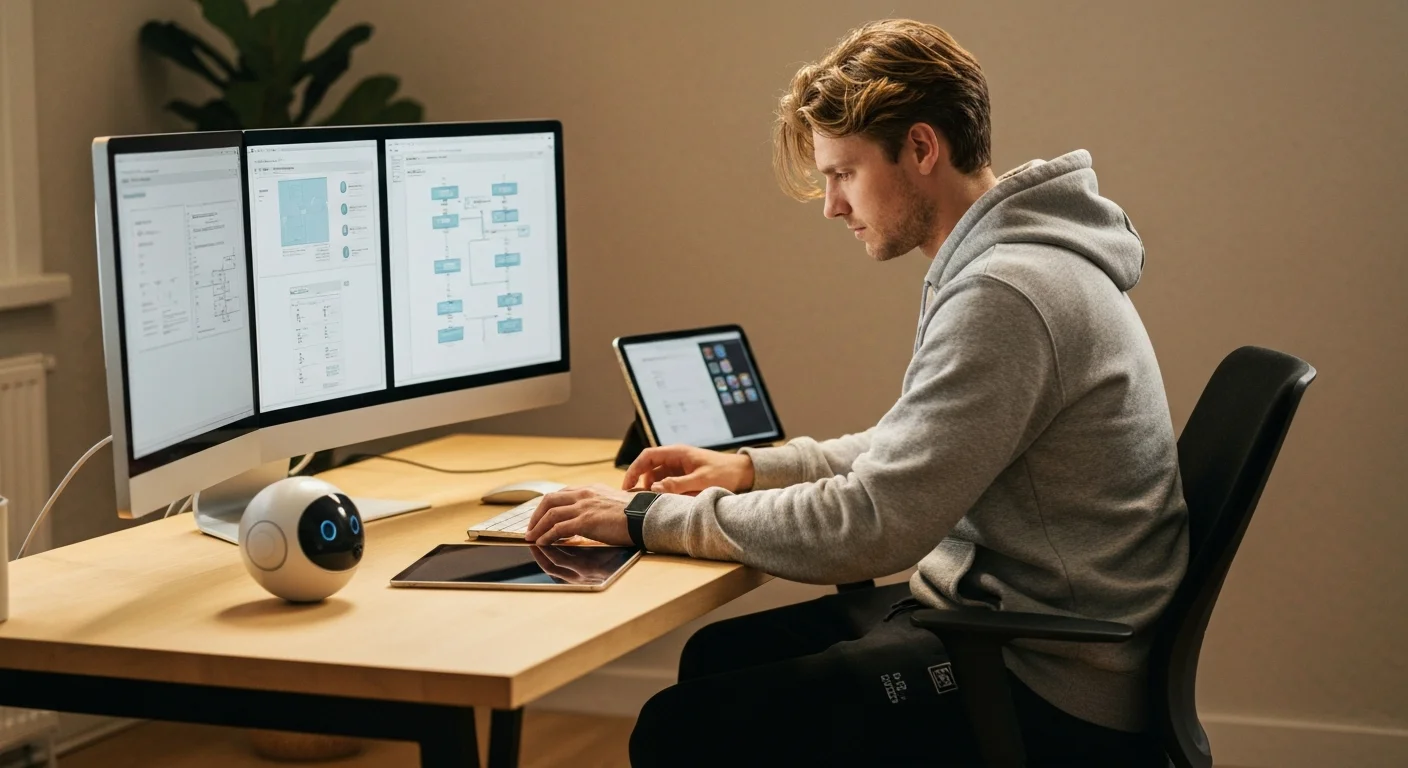
Learn how to use AI tools to transform your UX design workflow. From user research synthesis and persona creation to wireframing, UX copy, usability testing analysis, and accessibility auditing — discover practical AI techniques that save hours every week. No coding required.
Master Figma's built-in AI in under an hour. Use First Draft to turn a prompt into an editable design, speed up work with AI editing and layer tools, extend Figma with plugins like Magician and Automator, and build a fast prototype with Figma Make. For designers and non-designers.
Make professional social graphics, resumes, and one-pagers in minutes using Canva built-in AI tools. Learn Magic Design, Magic Write, text-to-image, Background Remover, and Magic Resize with hands-on workflows. No design experience required.

Learn how to use AI tools to transform your work as an architect or engineer. Discover practical techniques for drawing review, specification writing, code compliance, and design coordination. No coding required.

Learn how to use AI tools to transform your fitness coaching business. Discover practical techniques for designing workout programs, writing nutrition plans, sending client check-ins, creating social media content, automating onboarding, and growing your coaching practice. Built for personal trainers, online coaches, group instructors, and gym owners. No coding required.