Learn how to use AI tools to save time on lesson planning, create engaging materials, automate grading, support diverse learners, and navigate AI ethics in education. Practical strategies you can use in your classroom tomorrow.
Teaching is demanding, and this free course is built to show educators how AI can take on a meaningful share of the workload. Starting from the basics of how AI works in an educational context, you move through five practical modules that cover lesson planning, material creation, differentiated instruction, assessment design, automated feedback, and student engagement strategies. Every lesson is grounded in real classroom scenarios, so the ideas translate directly to what you face each day.
The course also addresses the harder questions that come with bringing AI into schools. A dedicated module on ethics, academic integrity, and school policy development helps you think through how to use these tools responsibly and guide your students in doing the same. Whether you teach at the K-12 level or in higher education, the progression from fundamentals to strategy means you finish with a clear picture of where AI fits in your practice.
No technical background is required. If you can use a web browser, you have everything you need to start. Complete all the modules, pass the final exam, and you earn a certificate of completion you can add to your LinkedIn profile or professional portfolio. Educators who finish this course leave with practical strategies they can apply the next time they sit down to plan a lesson.
5 modules • 13 lessons
Finish every lesson and pass the final exam to earn this free, shareable certificate.
Certificate of Completion
has successfully completed
13 lessons · Final exam passed

Michail Ouroumis
Founder, FreeAcademy.ai
Sample preview. Your name appears on the certificate when you complete the course. Learn more
Teaching a class or training a team? Assign this course for free
The course covers five topic areas: AI fundamentals for educators, lesson planning and content creation, assessment and feedback, student engagement and support, and AI ethics and policy. Each module connects directly to tasks teachers handle regularly, from generating worksheets to thinking through academic integrity.
Yes, the course is completely free. You can work through every module and lesson at no cost, and completing the course plus the final exam earns you a certificate of completion.
No technical background is needed. The course starts by explaining how AI works in an educational context, so beginners are well supported from the first lesson.
The course focuses on the practical use of AI tools relevant to teaching, including tools for generating lesson plans, creating worksheets and assessments, providing student feedback, and building more interactive learning experiences. The final module also looks at how to think about AI adoption at the school or institution level.
Yes. After you complete all the modules and pass the final exam, you receive a certificate of completion that you can share on LinkedIn or include in a professional portfolio or resume.
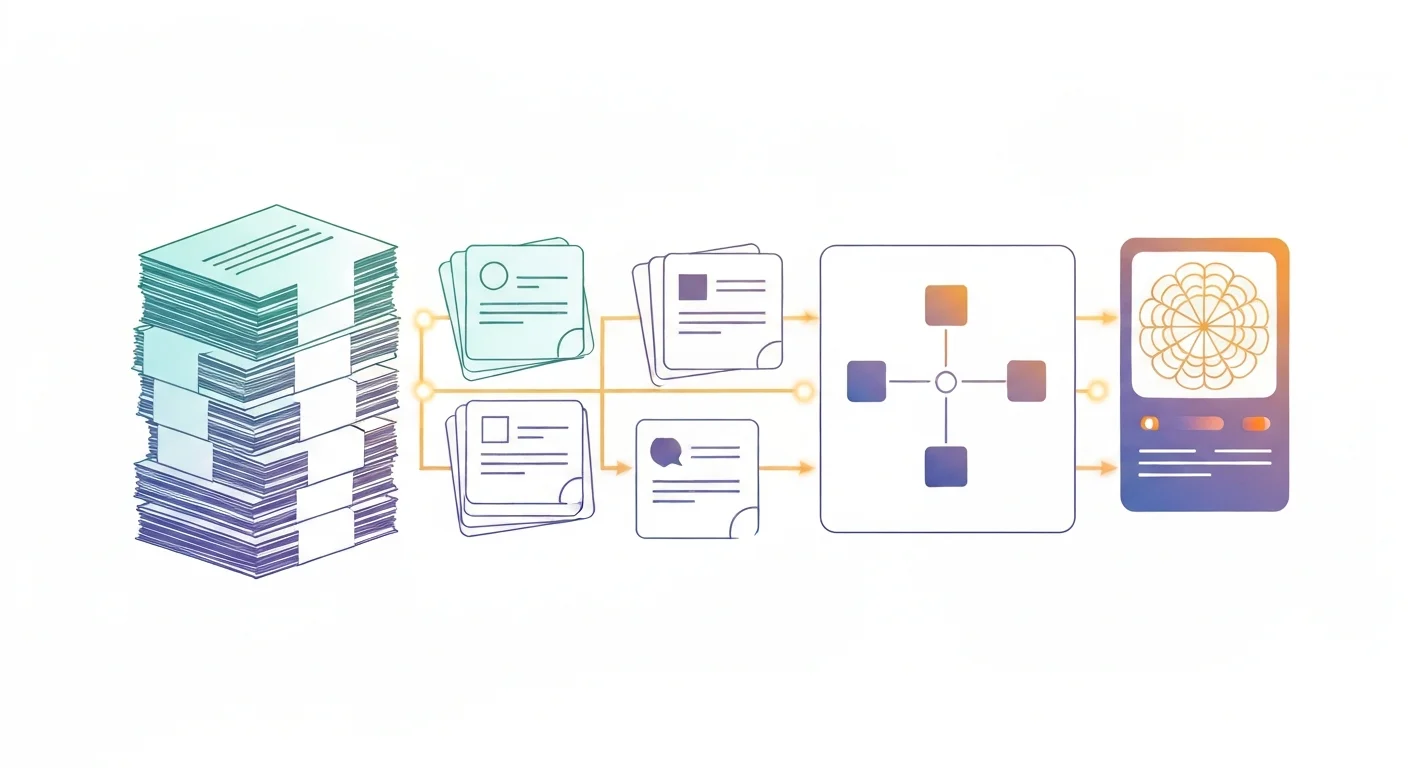
Turn dense notes, textbooks, and lecture slides into flashcards, summaries, diagrams, and simple visuals using free AI tools like ChatGPT, Claude, and Gemini. A hands-on micro course for students and teachers who want to study smarter and teach clearer. No design or coding skills required, and you earn a free certificate.

A fast, practical micro course on using AI as an honest thinking partner for your college application essay. Brainstorm meaningful topics, reflect on your own story, outline a strong structure, and refine your draft while keeping your voice, all without ever letting AI write the essay for you. No coding required, and you earn a free certificate of completion.

Learn how to use ChatGPT, Claude, Gemini, and DeepL to transform your work as a translator or interpreter. Build glossaries faster, run QA on long documents, post-edit machine translation safely, prepare interpreter briefings in 30 minutes, and master prompt engineering for translation excellence. Built for working linguists and language students. Earn a free certificate to add to your LinkedIn and resume.

Run real security-analyst labs using free AI tools. Triage suspicious phishing emails, read and summarize security logs, hunt for threats with plain-English prompts, and learn secure prompting so you never leak sensitive data. No coding and no prior security experience required, and you earn a free certificate of completion for your LinkedIn and resume.

Master Microsoft Copilot across the entire Microsoft 365 ecosystem. Learn to use Copilot in Word, Excel, PowerPoint, Outlook, and Teams to draft documents, analyze data, build presentations, manage email, and automate workflows. Includes prompt engineering techniques specific to Copilot.
An advanced, workflow-specific course for litigation attorneys, paralegals, and in-house counsel. Go deeper than the basics with AI-assisted e-discovery, deposition prep, case law synthesis, motion and brief drafting, expert witness analysis, and trial preparation — with a strong focus on US/UK ethics, FRCP/CPR compliance, and hallucination prevention.