Last updated
Master Cursor, the AI-powered code editor. Learn Agent, Ask, and Plan modes, Tab completion, Cmd+K inline editing, multi-file refactoring, context mentions, Project Rules and AGENTS.md, model selection with Auto, plus parallel agents, Cloud Agents, and Bugbot.
Cursor is an AI-powered code editor built on the familiar VS Code foundation, and this free course teaches you how to use it well from day one. You start with setup and a tour of the interface, including the editor's Agent side panel and the Agents Window for running several agents at once. Then you work through every core feature: Agent mode for multi-step coding tasks, read-only Ask mode for exploring code, Plan mode for agreeing on an approach before any code is written, Tab completion, and precise inline edits with Cmd+K.
Beyond the basics, the course covers context control. You will learn when to point the AI at specific files, folders, terminal output, or git diffs with @ mentions, and when to let the agent search your codebase on its own. You will practice multi-file refactoring with diffs and checkpoints, write Project Rules and AGENTS.md files so the AI follows your conventions, and choose models with confidence, including Auto mode and Cursor's own Composer model.
The final module focuses on real-world work: common daily patterns, debugging with AI, running agents in parallel, handing tasks to Cloud Agents, reviewing pull requests with Bugbot, and the habits that keep AI output safe and correct. Whether you are a student learning to code or a developer looking to work faster, this course gives you a hands-on foundation. It is completely free, and completing the course plus the final exam earns you a certificate of completion you can add to your LinkedIn profile or resume.
5 modules • 17 lessons
Finish every lesson and pass the final exam to earn this free, shareable certificate.
Certificate of Completion
has successfully completed
17 lessons · Final exam passed

Michail Ouroumis
Founder, FreeAcademy.ai
Sample preview. Your name appears on the certificate when you complete the course. Learn more
Teaching a class or training a team? Assign this course for free
This course is a practical introduction to Cursor, an AI-powered code editor. It covers setup, Agent, Ask, and Plan modes, Tab completion, Cmd+K inline edits, multi-file refactoring, rules, model selection, and newer features like parallel agents, Cloud Agents, and Bugbot, so you can use AI throughout your real coding workflow.
Yes, the course is completely free to take. You can also earn a certificate of completion by finishing the course and passing the final exam, which you can share on LinkedIn or include on a resume.
The course is designed for beginners, so no advanced programming background is required. Basic familiarity with writing or reading code will help you follow along, but the lessons start from setup and explain each concept as it is introduced.
The course covers Agent, Ask, and Plan modes, Tab completion, inline editing with Cmd+K, @ context mentions and codebase search, multi-file editing with checkpoints, Project Rules and AGENTS.md, model selection including Auto, the Agents Window, Cloud Agents, and Bugbot. It also covers debugging workflows and best practices for avoiding common mistakes.
Cursor is built on top of VS Code, so your existing extensions and keybindings carry over. The course includes a dedicated lesson on exactly what changes and what stays the same, so you can quickly orient yourself whether you are switching from VS Code or starting fresh.
The course was refreshed in October 2026 to cover Cursor's current interface, including the Agents Window, Plan mode, Project Rules and AGENTS.md, Auto model routing, Cloud Agents, and Bugbot. Cursor ships updates often, so small details like menu names can still shift. The lessons focus on workflows that carry over between versions.
Learn the spec-first method for building software with AI coding agents. Write specs with acceptance criteria, edge cases, and constraints, structure context for any agent, verify output against the spec with tests, iterate on failures, and know when to hand-code. Tool-agnostic across Claude Code, Cursor, Copilot, Devin, and any agent.
Master Claude Code, Anthropic's agentic coding tool. Learn installation across CLI, desktop, web, and IDE extensions. Master core workflows for reading, writing, debugging, and refactoring code. Configure CLAUDE.md files, memory, slash commands, MCP servers, and hooks. Build real features and compare Claude Code with Cursor and Copilot.
Master GitHub Copilot to boost your coding productivity. Learn setup, effective prompting, managing suggestions, using Copilot Chat, writing tests and documentation, code review best practices, and understand limitations compared to other AI coding tools.

Master OpenAI Codex, the coding agent that works in your terminal and in the cloud. Learn the CLI with its three approval modes, run parallel sandboxed tasks with Codex Cloud, extend capabilities with the skills system, and coordinate multiple agents across large projects. Powered by GPT-5.3-Codex.
Set up Hermes Agent, the open-source self-hosted AI assistant from Nous Research that writes its own reusable skills and keeps all your data on your own machine. A beginner-friendly micro course: understand what makes Hermes different, install it with a single command, run your first useful tasks, and stay safe with a practical permissions checklist. Prefer a chat-app interface instead? Try the OpenClaw micro course (/courses/micro-openclaw-ai-agent).
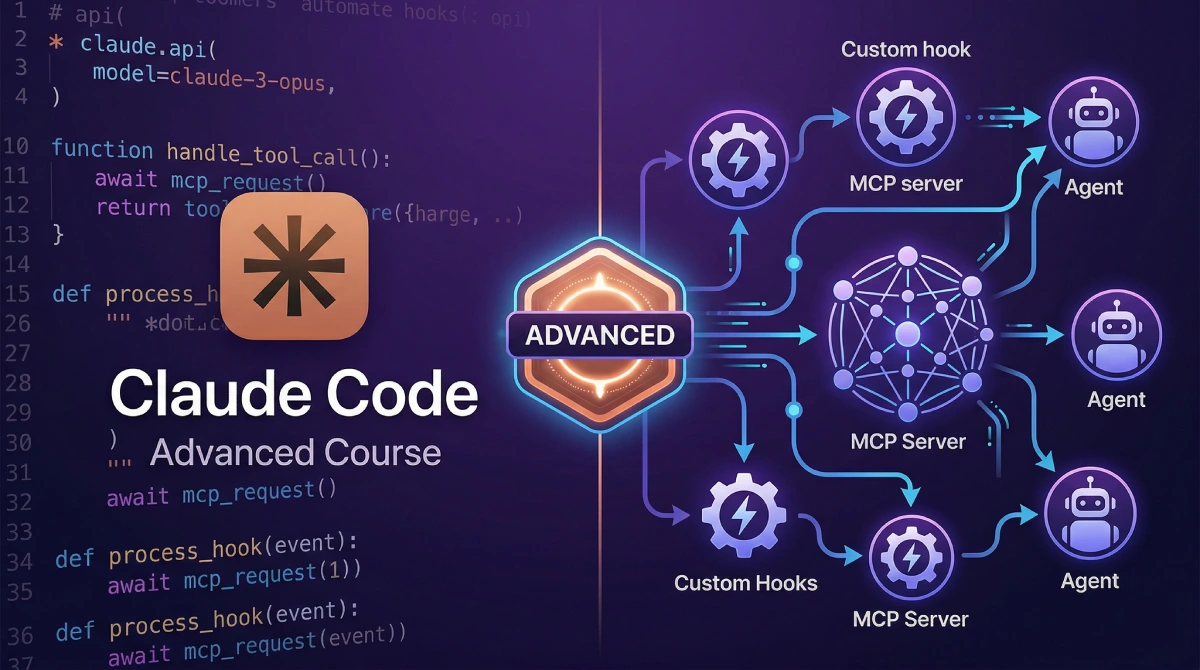
Master advanced Claude Code workflows including agent mode, multi-agent orchestration with subagents, custom slash commands and agents, hooks automation, memory systems, MCP server integrations, headless CI/CD pipelines, production agent systems, and enterprise team patterns.