Master bash scripting through hands-on practice. Build on your Linux command line skills to write powerful automation scripts. Learn variables, conditionals, loops, functions, arrays, string manipulation, file processing, and error handling with interactive exercises in your browser.
This free interactive bash scripting course takes you from writing your first shell script to building practical automation tools, all through hands-on exercises you run directly in your browser. Starting with script fundamentals like the shebang line, file permissions, and execution modes, you move through variables, quoting rules, special variables, and command-line argument handling before tackling conditionals, loops, and reusable functions. Every concept is practiced immediately, so the syntax sticks through doing rather than reading.
The course covers the full range of intermediate bash topics: string operations and pattern matching, arrays including associative arrays, and file processing techniques for reading, writing, and parsing data files. You will also learn error handling strategies, exit codes, and debugging approaches that make scripts reliable in real environments. The final module puts everything together with backup scripts, log analysis scripts, and automation challenges that mirror tasks you would actually face on a server or in a workflow.
This course suits developers, sysadmins, data analysts, or students who already know the Linux command line and want to write scripts that save time at work or in their studies. No special software is needed. Finishing the course and passing the final exam earns you a certificate of completion you can add to your LinkedIn profile or resume.
11 modules • 34 lessons
Finish every lesson and pass the final exam to earn this free, shareable certificate.

Certificate of Completion
has successfully completed
34 lessons · Final exam passed

Michail Ouroumis
Founder, FreeAcademy.ai
Sample preview. Your name appears on the certificate when you complete the course. Learn more
Teaching a class or training a team? Assign this course for free
The course spans 11 modules covering script fundamentals, variables and quoting, user input, conditionals, loops, functions, string manipulation, arrays, file processing, error handling, and a final set of practical automation projects including backup and log analysis scripts.
Yes, the entire course is free with no signup required. Completing all lessons and passing the final exam earns you a certificate of completion at no cost.
The course is designed for intermediate learners who are already comfortable navigating the Linux command line, running commands, and understanding basic file system concepts. You do not need prior scripting experience, but familiarity with a terminal is expected.
No installation is required. All interactive exercises run in your browser, so you can practice writing and executing bash scripts without configuring a local environment.
Finishing the course and passing the final exam earns you a certificate of completion that you can share on LinkedIn or attach to a resume to show your bash scripting skills.
Master server-side JavaScript with Node.js through hands-on practice. Learn modules, file system operations, HTTP servers, npm, async patterns, and REST APIs. Build real backend applications with interactive exercises in your browser.
Learn JavaScript programming with hands-on exercises. Practice variables, functions, arrays, objects, and more with live code execution in your browser. Master modern ES6+ features like arrow functions, destructuring, and spread operators.

Master TypeScript with hands-on exercises. Learn types, interfaces, generics, utility types, and advanced patterns with live code execution. Build type-safe applications with instant feedback in your browser.

Master Docker containerization from fundamentals to production deployment. Learn to build, run, and manage containers, create Dockerfiles, work with Docker Compose, and deploy multi-container applications. Essential DevOps skills for modern development workflows.
Dive deep into essential data structures and algorithms, implementing them in JavaScript. Learn arrays, strings, linked lists, stacks, queues, hash tables, trees, graphs, and key algorithmic techniques including recursion, sorting, searching, and dynamic programming.
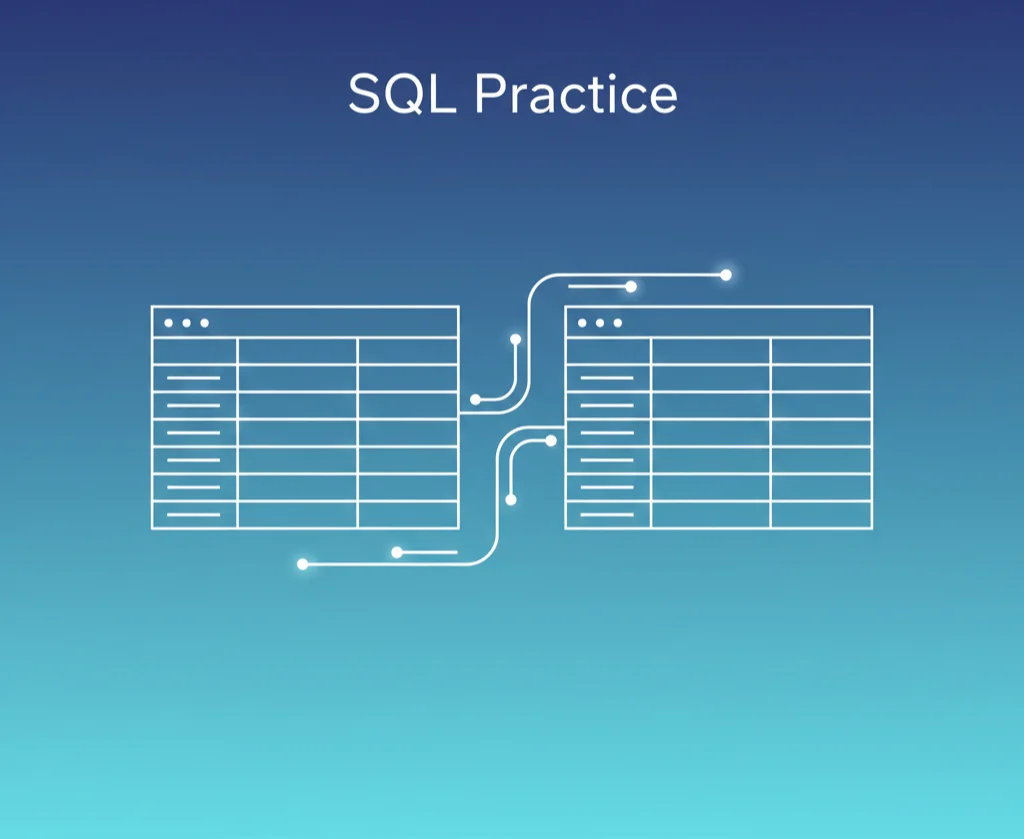
Practice SQL with hands-on exercises in your browser. Write real queries against a live database, get instant feedback, and build confidence through guided challenges. No setup required - start coding immediately.