Master the Model Context Protocol (MCP) - Anthropic's open standard for connecting AI assistants to external tools and data sources. Learn to configure, use, and build MCP servers that extend AI capabilities with real-world integrations.
The Model Context Protocol (MCP) is Anthropic's open standard for connecting AI assistants like Claude to external tools, databases, and services. This free intermediate course walks you through MCP from the ground up: what it is, how its client-server architecture works, and how to configure and use existing MCP servers in your own AI workflows. Whether you are a developer, researcher, or a professional exploring how to apply AI more deeply in your work, understanding MCP opens the door to building AI systems that do far more than chat.
Across ten focused modules, you will explore the full MCP landscape. You will learn to set up MCP servers, survey the available integrations, and connect Claude Code to those servers for real coding and automation tasks. The course then steps into more advanced territory: building your own custom MCP servers, handling security and permissions correctly, debugging connection issues, and following best practices that keep integrations maintainable. The final module ties everything together with real-world use cases showing how MCP is being applied across industries.
No prior MCP experience is needed, though a working knowledge of AI tools and some comfort with developer concepts will help you move through the material confidently. The course is completely free, and completing it along with the final exam earns a certificate of completion you can add to LinkedIn or your resume.
12 modules • 12 lessons
Finish every lesson and pass the final exam to earn this free, shareable certificate.
Certificate of Completion
has successfully completed
12 lessons · Final exam passed

Michail Ouroumis
Founder, FreeAcademy.ai
Sample preview. Your name appears on the certificate when you complete the course. Learn more
Teaching a class or training a team? Assign this course for free
This course covers the Model Context Protocol, Anthropic's open standard for linking AI assistants to external tools and data sources. You will learn the architecture behind MCP, how to set up and use existing servers, how to build your own, and how to apply the protocol securely in real projects.
Yes, the course is completely free to take. You can also earn a certificate of completion by finishing the course and passing the final exam, which you can share on LinkedIn or include in a resume.
The course is pitched at an intermediate level. You do not need prior MCP experience, but some familiarity with AI tools and basic developer concepts such as servers and APIs will help you get the most out of the material.
The course covers MCP architecture, setting up and using available MCP servers, working with Claude Code via MCP, building custom MCP servers, security and permissions, and debugging connections. Real-world use cases are covered in the final module.
It is a strong fit for developers and technically curious professionals who want to extend AI capabilities beyond simple chat, whether to automate workflows, integrate databases, or build tools that connect AI to the systems they already use.
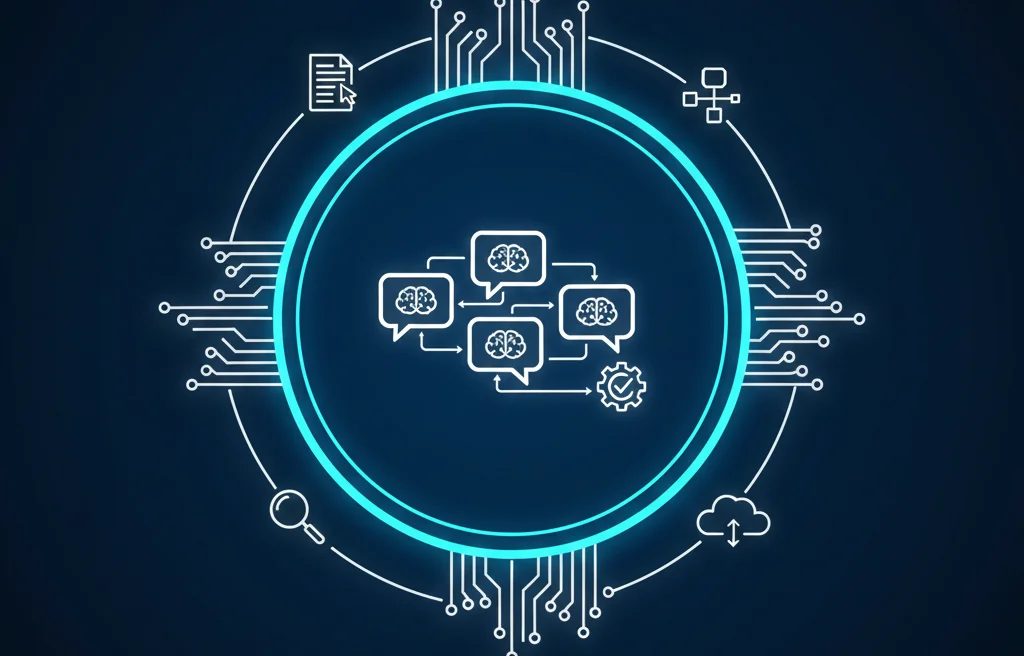
Master the art of chaining AI prompts and building sophisticated workflows. Learn to design multi-step AI pipelines, handle errors gracefully, implement branching logic, manage context, and build production-ready AI workflows for research, content creation, and code generation.
Learn to leverage Claude AI for effective code review in 30 minutes. Master prompts for finding bugs, security vulnerabilities, and refactoring suggestions with hands-on practice.
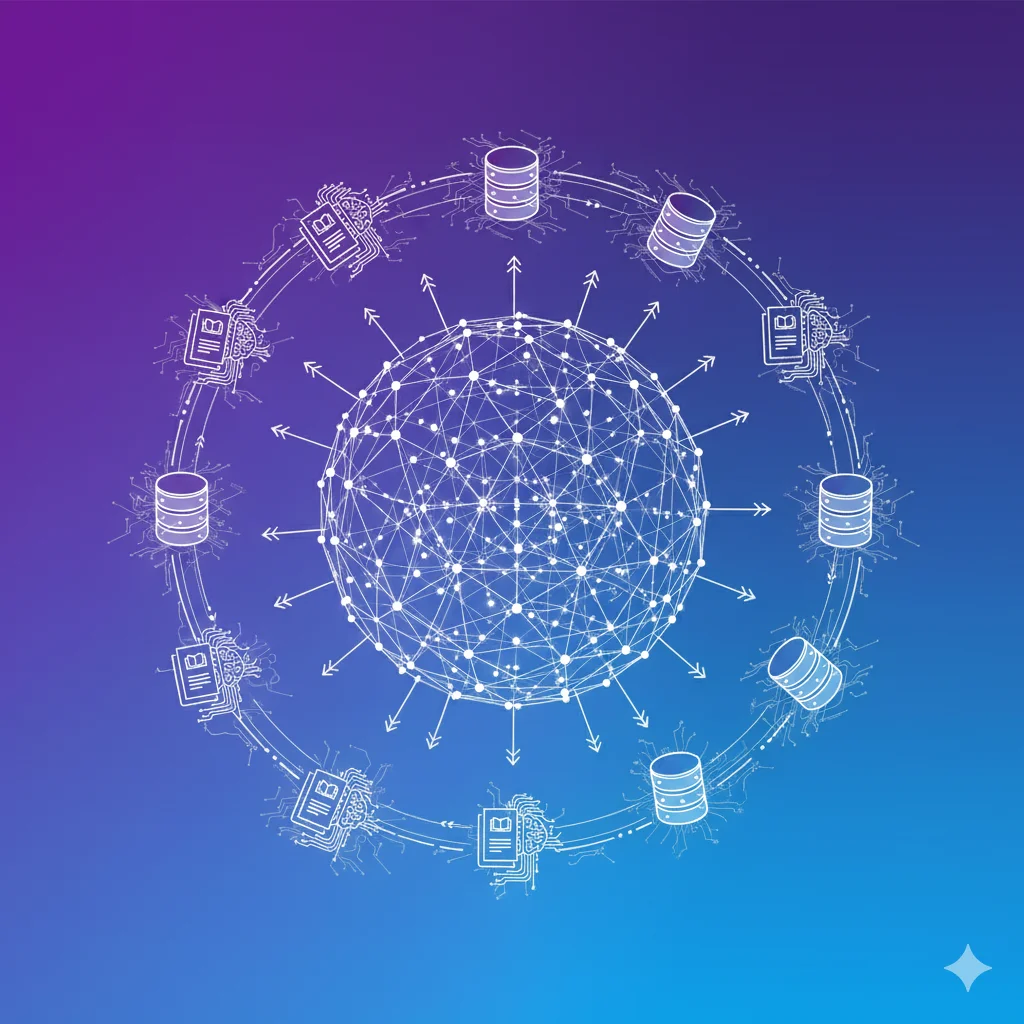
Master vector databases for AI applications. Learn embeddings, similarity search, and hands-on setup of Pinecone, pgvector, and Chroma. Understand indexing strategies, hybrid search, performance optimization, and how to choose the right database for your use case.

Move beyond chatbots. Build autonomous agents that work for business. Learn to create production-ready AI agents using JavaScript, TypeScript, Next.js, and the Vercel AI SDK. Perfect for JavaScript developers who want to build AI applications without learning Python.
Learn OpenClaw, the viral open-source autonomous AI agent. Understand the Gateway architecture, install and configure your own agent, master skills and memory, secure your setup with Docker sandboxing, build multi-agent teams, publish skills to ClawHub, and optimize performance.
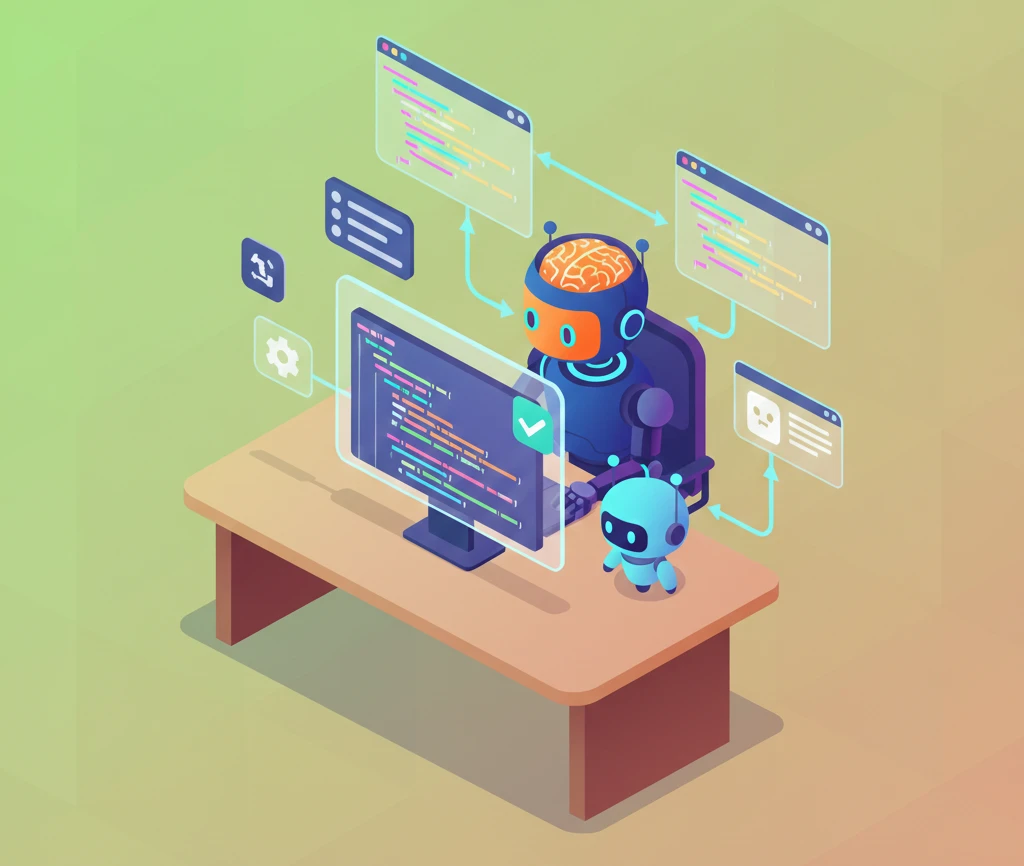
Master GitHub Copilot to boost your coding productivity. Learn setup, effective prompting, managing suggestions, using Copilot Chat, writing tests and documentation, code review best practices, and understand limitations compared to other AI coding tools.