Go beyond basic prompts and master professional AI image generation. Learn Midjourney parameters and styles, DALL-E 3 techniques via ChatGPT, advanced prompting with weights and negative prompts, consistent character generation, AI inpainting, and real-world workflows for social media and marketing assets.
This free Midjourney and DALL-E mastery course takes you from writing simple prompts to producing polished, professional-grade images with confidence. You will start by learning how each platform works: setting up Midjourney and understanding its interface, then accessing DALL-E 3 directly through ChatGPT. From there, the course builds toward techniques that most beginners never reach, including prompt weighting, negative prompts, and parameter control that let you steer outputs with precision.
The advanced module covers style references for visual consistency, creating characters that stay recognizable across multiple images, and using AI inpainting to edit and refine images without starting over. These skills translate directly into practical workflows covered in the final module, where you apply everything to real deliverables: social media graphics, video thumbnails, and marketing assets. A side-by-side comparison of Midjourney, DALL-E, and Stable Diffusion helps you choose the right tool for each task.
The course is designed for students, marketers, content creators, and anyone who wants to generate compelling visuals for their own work or field, with no prior design experience required. Everything you need is free or accessible through tools you may already use. Completing the lessons and passing the final exam earns you a certificate of completion you can add to your LinkedIn profile or resume.
3 modules • 8 lessons
Finish every lesson and pass the final exam to earn this free, shareable certificate.
Certificate of Completion
has successfully completed
8 lessons · Final exam passed

Michail Ouroumis
Founder, FreeAcademy.ai
Sample preview. Your name appears on the certificate when you complete the course. Learn more
Teaching a class or training a team? Assign this course for free
The course covers both platforms from setup through advanced use. You will learn Midjourney parameters, DALL-E 3 via ChatGPT, advanced prompting techniques including weights and negative prompts, style references, consistent character generation, AI inpainting, and real-world workflows for social media and marketing visuals.
Yes, the course is completely free on FreeAcademy.ai. No payment or subscription is required to access any lesson.
No prior design experience is needed. The course starts from the basics of getting set up on each platform and builds progressively toward more advanced techniques.
The course focuses on Midjourney and DALL-E 3, with DALL-E accessed through ChatGPT. The final module also includes a comparison with Stable Diffusion so you can understand how the tools differ and when to use each one.
Yes. Completing all lessons and passing the final exam earns you a certificate of completion, which you can share on LinkedIn or add to your resume to show employers or clients what you have learned.
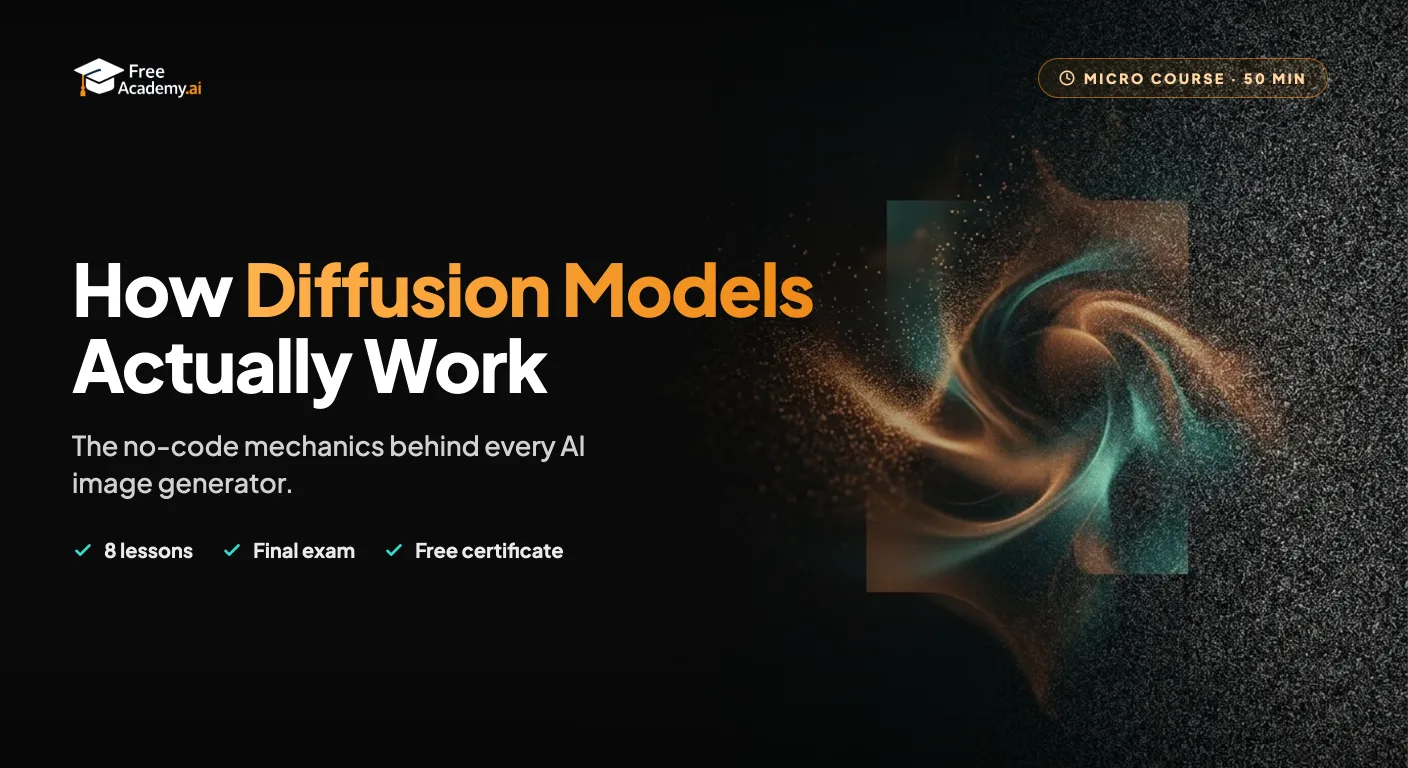
Understand how tools like Midjourney, DALL-E, and Stable Diffusion actually generate an image, in plain language with no code and no math. Learn what a diffusion model is, how starting from noise leads to a finished picture, what latent space is, how your prompt steers the process, and why diffusion beat older methods like GANs.
Learn how to use AI tools to speed up and improve your photography workflow. Discover practical techniques for AI culling, editing, retouching, upscaling, generative fill, color grading, keywording, client delivery, and marketing. No coding required.
Create full songs from a text prompt with Suno, the AI music generator. Learn to prompt for genre, style, and mood, write and format lyrics, control song structure and vocals, extend and remix tracks, download stems, and understand copyright and commercial-use rules so you can use your music with confidence.
Make free AI images with Google's Nano Banana in the Gemini app. Learn to access it, write clear prompts, edit and refine, and create social posts, slides, and study aids without any design skills.

Learn to write effective prompts for AI image generators like Midjourney, DALL-E, and Stable Diffusion. Master the anatomy of good prompts, style keywords, composition techniques, and avoid common mistakes.
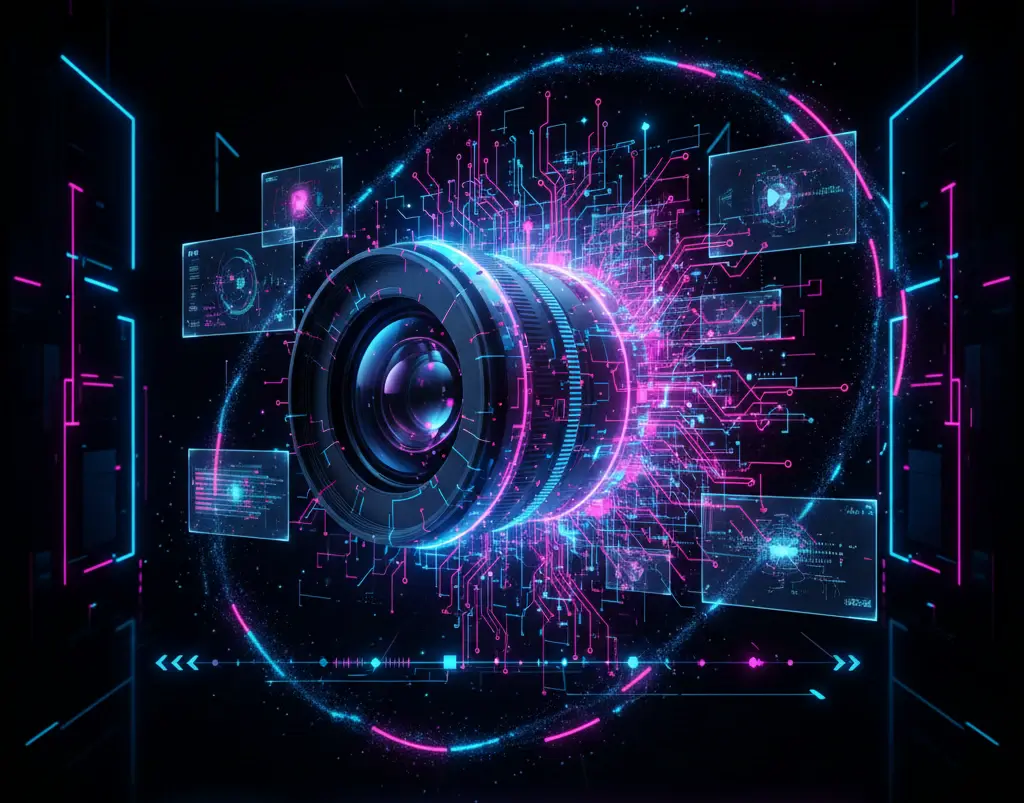
Create and edit videos using AI tools. Master text-to-video generation with Google Veo, Kling, Runway, and Pika, AI editing with CapCut and Descript, avatar videos with HeyGen and Synthesia, and complete video production workflows.