Learn to use AI to write, respond to, and manage emails faster. Master practical prompts and templates for professional emails, difficult conversations, batch processing, and follow-up sequences.
Email is one of the highest-volume tasks in any professional's day, and AI can cut the time you spend writing and managing it dramatically. This free micro course teaches you how to use AI to handle your inbox more efficiently, from drafting polished professional messages to navigating difficult conversations with confidence. You will work through practical prompts and ready-to-use templates built around real workplace email scenarios.
The course covers five core skills: writing clear, professional emails from scratch using AI, applying templates for common professional situations, crafting thoughtful responses to sensitive or difficult messages, processing large batches of email replies efficiently, and building follow-up sequences that keep conversations moving. Each lesson is practical and immediately applicable, whether you are a student, job seeker, freelancer, or anyone who spends meaningful time in their inbox.
This course is completely free and takes around 35 minutes to finish. After completing the lessons and passing the final exam, you earn a certificate of completion you can add to your LinkedIn profile or resume. No prior AI experience is needed, just a willingness to work smarter with the tools available to you.
1 modules • 5 lessons
Finish every lesson and pass the final exam to earn this free, shareable certificate.

Certificate of Completion
has successfully completed
5 lessons · Final exam passed

Michail Ouroumis
Founder, FreeAcademy.ai
Sample preview. Your name appears on the certificate when you complete the course. Learn more
Teaching a class or training a team? Assign this course for free
The course focuses entirely on using AI to handle your email workload more effectively. You will learn to write professional emails, use templates for recurring situations, respond to difficult messages, batch-process replies, and create follow-up sequences, all through practical prompts you can start using right away.
Yes, the course is completely free. No payment or account creation is required to access the lessons. Completing the course and its final exam earns you a certificate of completion at no cost.
No prior experience with AI is needed. The course is designed for beginners and focuses on practical prompts and templates you can apply immediately, regardless of which AI writing tool you use.
The course teaches prompt-writing techniques and email workflows that work with any major AI assistant, so the skills transfer regardless of the specific tool you already use or prefer.
Yes. After completing all lessons and passing the final exam, you receive a certificate of completion that you can share on LinkedIn or include on a resume to show your AI productivity skills.
Use AI to run the business side of freelancing. Qualify gigs before you bid, write proposals that get replies, price and quote with confidence, set clear scope, push back on scope creep, and chase late payments politely. Ends with a reusable prompt toolkit you can use with every client. No code needed.
Use AI to coordinate for one or more busy executives. Master calendar and scheduling, travel planning, expense reconciliation, multi-inbox triage, and meeting prep briefs.

Learn to identify and automate repetitive tasks using AI. Master text transformation, data organization, template creation, batch processing, and simple AI workflows with tools like Zapier and Make. Calculate ROI on your automation efforts.
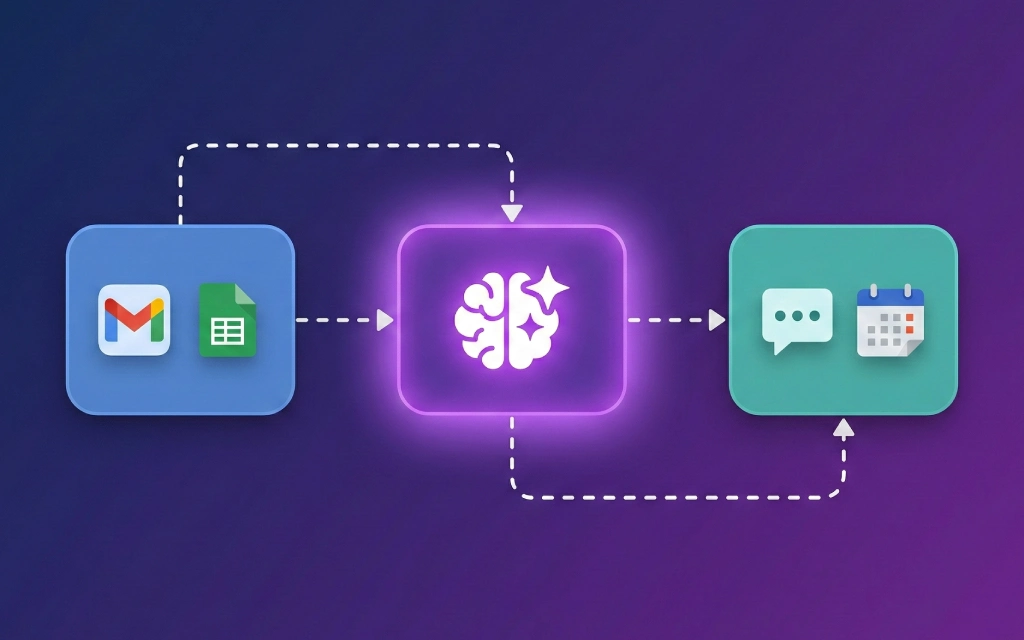
Learn to build powerful AI automations without writing code. Connect ChatGPT and Claude to Make and Zapier, automate email responses, schedule social media content, process data through AI pipelines, and build multi-step workflows using real-world templates.
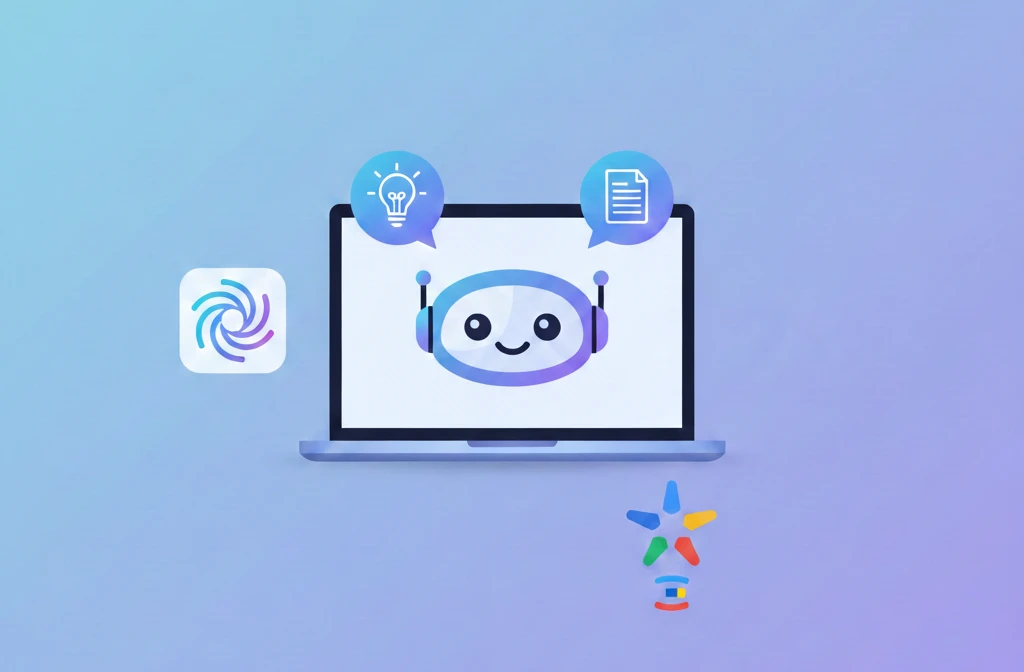
Build custom AI chatbots without writing any code. Learn to plan, create, and publish chatbots using Custom GPTs, Claude Projects, and Gemini Gems. Master conversation design, knowledge bases, and iteration strategies.
Step-by-step guide to creating a custom GPT in ChatGPT. Learn to plan your GPT's purpose, write effective instructions, add knowledge files, configure conversation starters, and publish your creation. No coding required.