Learn to use AI to process meeting recordings, generate comprehensive notes, and extract action items. Master transcription tools, effective prompts for summaries, and templates for follow-ups that work with Zoom, Teams, and Google Meet.
Every meeting produces decisions and commitments that can easily get lost before the next check-in. This free beginner course shows you how to use AI to turn meeting recordings into clear, structured notes with assigned action items, so nothing slips through the cracks. You will work through a single focused module covering the full pipeline: from setting up recordings in Zoom, Teams, or Google Meet in a way that is ready for AI processing, to selecting the right transcription tools, writing prompts that pull out crisp summaries, and building follow-up templates your whole team can rely on.
The course is built for anyone who spends time in meetings and wants to reclaim hours spent on manual note-taking. Whether you are a student coordinating group projects, an early-career professional joining team calls, or someone in a role full of recurring syncs, the skills translate directly to your daily workflow. No prior AI experience is required, just a willingness to experiment with the tools covered in the lessons.
By the end you will have a repeatable process for extracting action items and owners from any recorded meeting, along with ready-to-use follow-up templates. Finish all the lessons and pass the final exam to earn a certificate of completion you can add to your LinkedIn profile or resume.
1 modules • 5 lessons
Finish every lesson and pass the final exam to earn this free, shareable certificate.
Certificate of Completion
has successfully completed
5 lessons · Final exam passed

Michail Ouroumis
Founder, FreeAcademy.ai
Sample preview. Your name appears on the certificate when you complete the course. Learn more
Teaching a class or training a team? Assign this course for free
You learn to process meeting recordings end-to-end using AI: transcribing audio, prompting for concise summaries, pulling out action items with named owners, and creating follow-up templates. The focus is on practical application across Zoom, Teams, and Google Meet.
Yes, the course is completely free. You can work through all lessons at your own pace, and finishing the course plus passing the final exam earns you a certificate of completion at no cost.
No prior AI or machine learning background is needed. The course is designed for beginners and walks you through each tool and prompt step by step, so you can follow along from the very first lesson.
The course covers recording best practices for Zoom, Microsoft Teams, and Google Meet. It also introduces transcription tools and shows you how to write prompts that work with those transcripts to produce summaries and action items.
Yes. Completing all lessons and passing the final exam earns you a certificate of completion that you can share on LinkedIn or include on your resume to show your practical AI skills.
Master Notion AI to write faster, search your whole workspace with Ask Notion, autofill databases, capture meeting notes, and run AI Agents. A practical, no-code course for students, teams, and solo professionals.
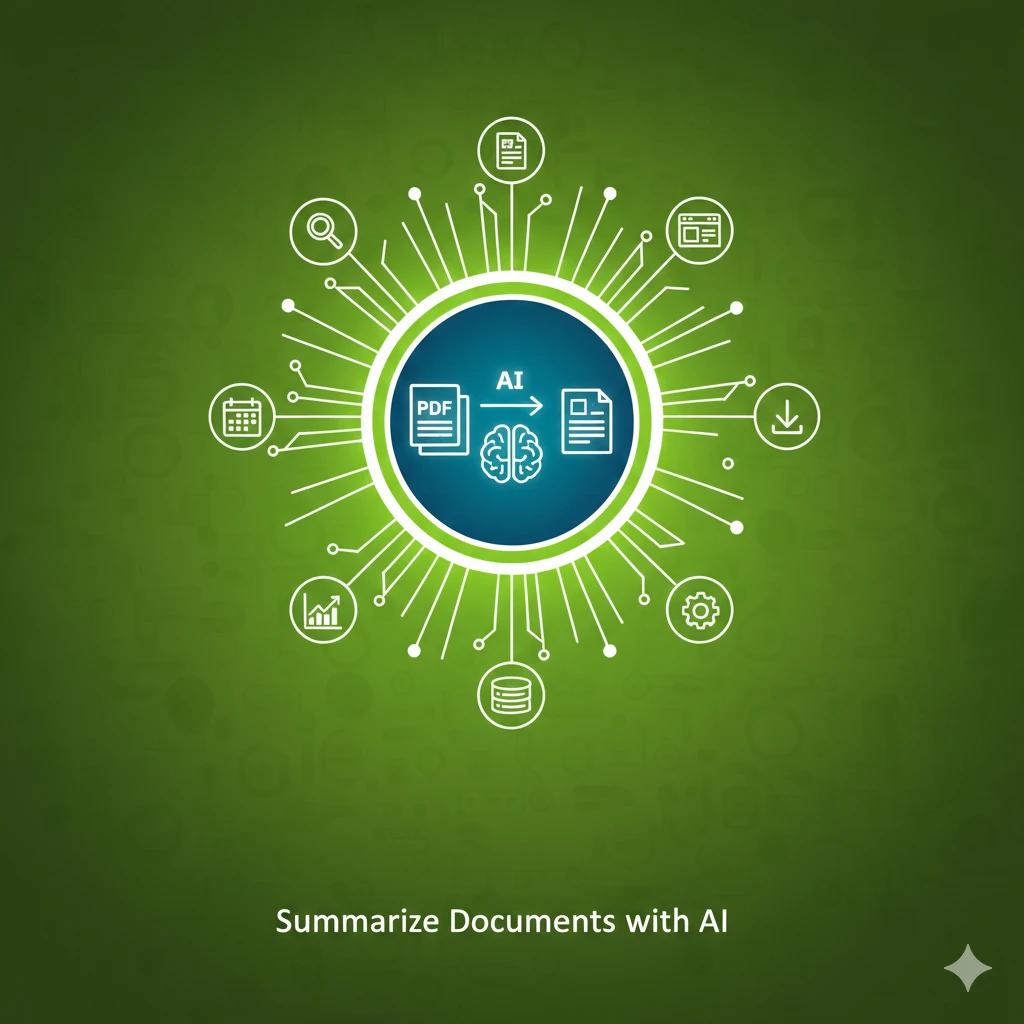
Learn to use AI to summarize long documents, articles, and PDFs effectively. Master prompting techniques for different summary types and extract key insights in minutes.

Master the complete job hunting process using AI. Learn to find relevant jobs, tailor applications, prepare for interviews, negotiate salaries, craft networking messages, and write effective follow-up emails.
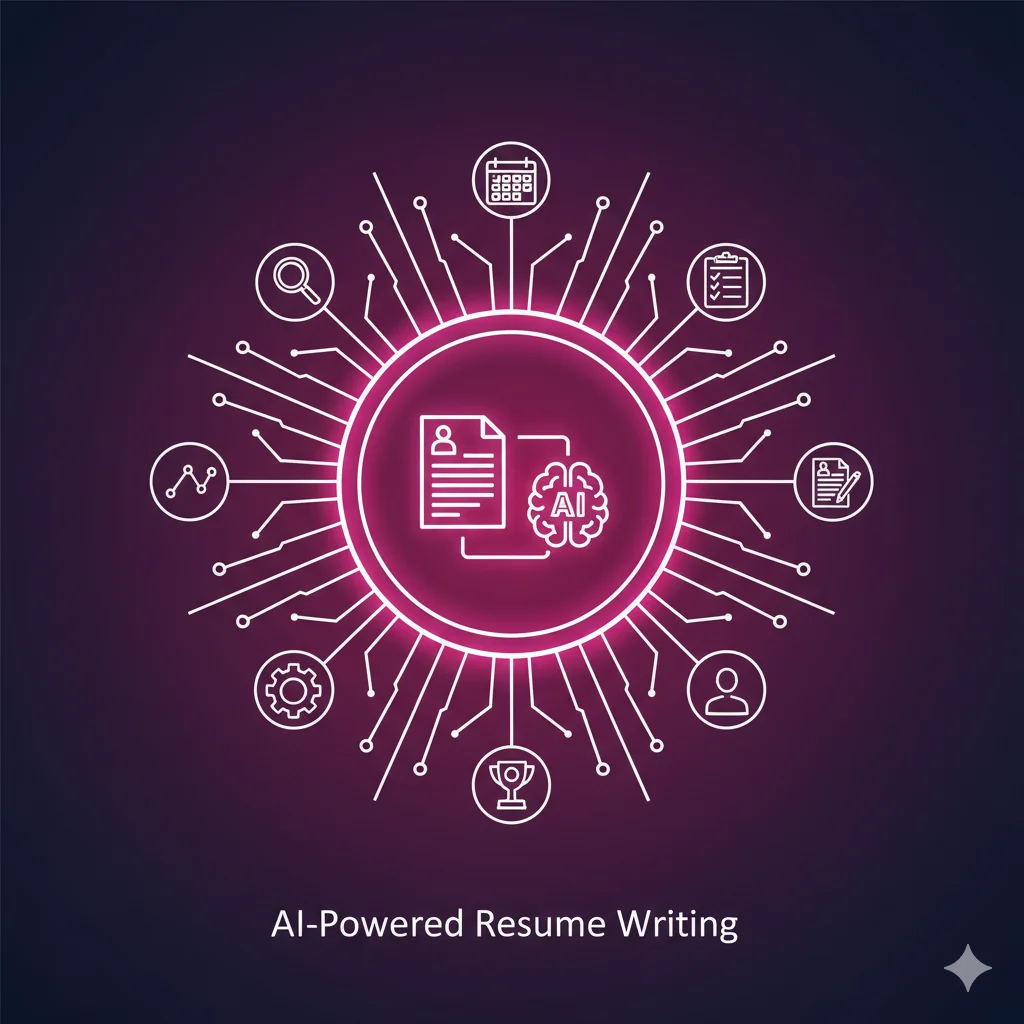
Learn to use AI to create, optimize, and tailor resumes that get noticed. Master prompts for bullet points, job description matching, ATS optimization, cover letters, and LinkedIn profiles.
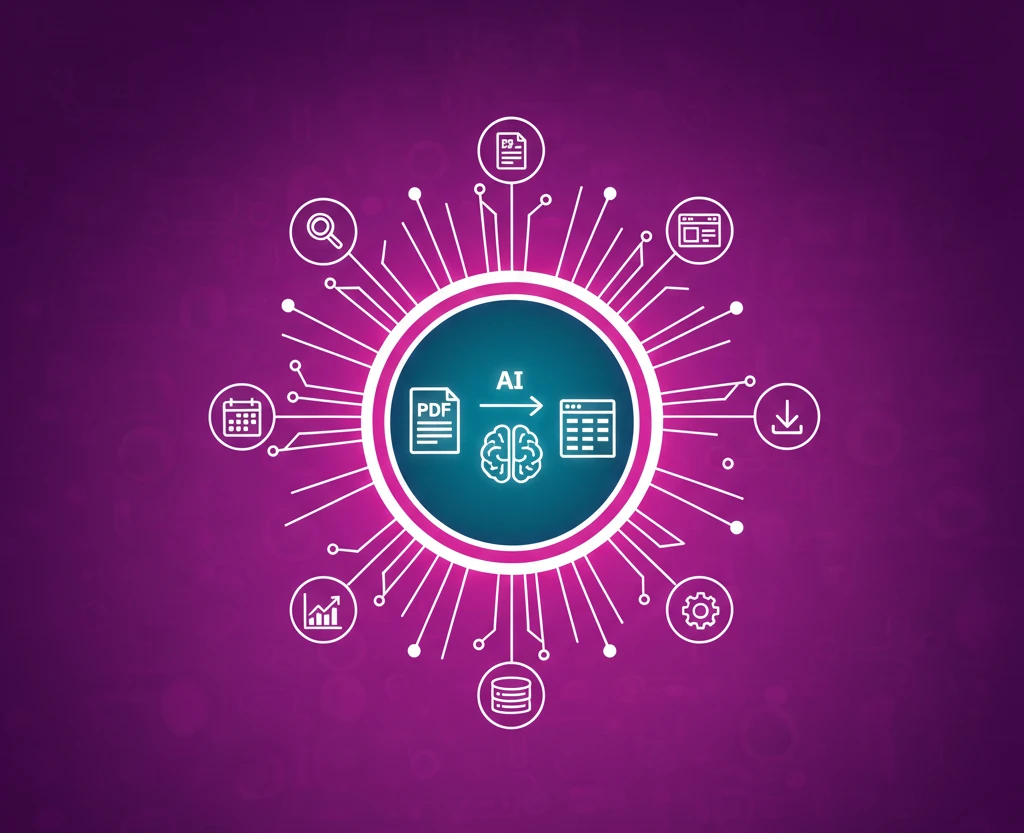
Learn to extract structured data from PDF documents using AI tools like ChatGPT and Claude. Master techniques for tables, forms, scanned documents, and converting to spreadsheet formats.
Master Perplexity AI for accurate, sourced research. Learn effective query writing, understand sources and citations, use Pro Search features, and develop academic research workflows. Perfect for researchers, students, journalists, and anyone who needs fact-checked information.