Learn to extract structured data from PDF documents using AI tools like ChatGPT and Claude. Master techniques for tables, forms, scanned documents, and converting to spreadsheet formats.
Working with PDFs is a daily reality for students, researchers, and professionals in almost every field. Whether you need to pull numbers from a financial report, copy a table from a research paper, or digitize a scanned form, doing it manually is slow and error-prone. This free course teaches you how to extract structured data from PDF documents using AI tools like ChatGPT and Claude, so you can get the information you need in minutes rather than hours.
Across five focused lessons, you will learn how different types of PDFs behave with AI, how to upload documents directly into ChatGPT and Claude, and how to write effective prompts that reliably pull out tables, form fields, and lists. You will also cover how to convert extracted data into spreadsheet formats, making it ready for analysis or reporting. The final lesson addresses a common challenge: scanned and image-based PDFs that contain no machine-readable text.
This course is designed for beginners with no prior AI experience. If you regularly handle reports, invoices, research papers, or any document-heavy workflow, the techniques here apply directly to your work or studies. The course is completely free, takes about 45 minutes, and finishing it along with the final exam earns you a certificate of completion you can add to your LinkedIn profile or resume.
1 modules • 5 lessons
Finish every lesson and pass the final exam to earn this free, shareable certificate.
Certificate of Completion
has successfully completed
5 lessons · Final exam passed

Michail Ouroumis
Founder, FreeAcademy.ai
Sample preview. Your name appears on the certificate when you complete the course. Learn more
Teaching a class or training a team? Assign this course for free
The course walks you through using AI tools like ChatGPT and Claude to pull structured data out of PDF documents. You will learn to extract tables, form fields, and lists, convert that data to spreadsheet formats, and work around the challenges that scanned or image-based PDFs create.
Yes, the course is completely free and requires no signup to get started. You can begin learning immediately and, once you complete the lessons and pass the final exam, receive a certificate of completion at no cost.
No prior experience with AI or programming is needed. The course is built for beginners and focuses on practical techniques you can apply right away, even if you have never used ChatGPT or Claude before.
The course focuses on ChatGPT and Claude, covering how to upload PDFs to each tool and how to prompt them effectively. The techniques you learn are transferable to other AI assistants that support document uploads.
Yes. Completing all lessons and passing the final exam earns you a certificate of completion, which you can share on LinkedIn or include on a resume to show your practical AI skills.
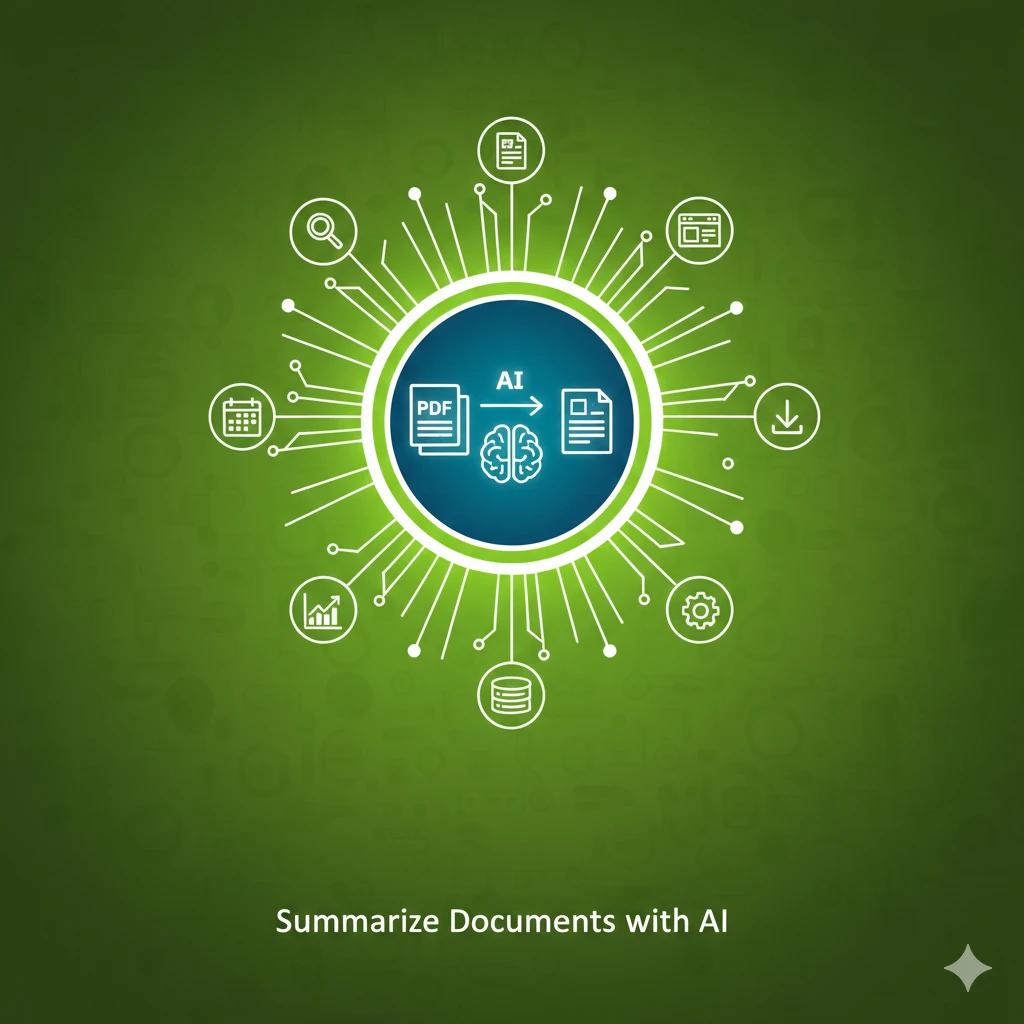
Learn to use AI to summarize long documents, articles, and PDFs effectively. Master prompting techniques for different summary types and extract key insights in minutes.

Master ChatGPT for workplace efficiency. Learn practical techniques for emails, meetings, reports, data analysis, presentations, research, problem-solving, and building personal productivity workflows. Each lesson solves one real work task - perfect for office workers, managers, and knowledge workers.

Learn to use AI to write complex Excel formulas in just 20 minutes. Master prompting techniques for VLOOKUP, SUMIF, nested IFs, and formula debugging with practical exercises.

Learn to use AI to process meeting recordings, generate comprehensive notes, and extract action items. Master transcription tools, effective prompts for summaries, and templates for follow-ups that work with Zoom, Teams, and Google Meet.

Master the complete job hunting process using AI. Learn to find relevant jobs, tailor applications, prepare for interviews, negotiate salaries, craft networking messages, and write effective follow-up emails.
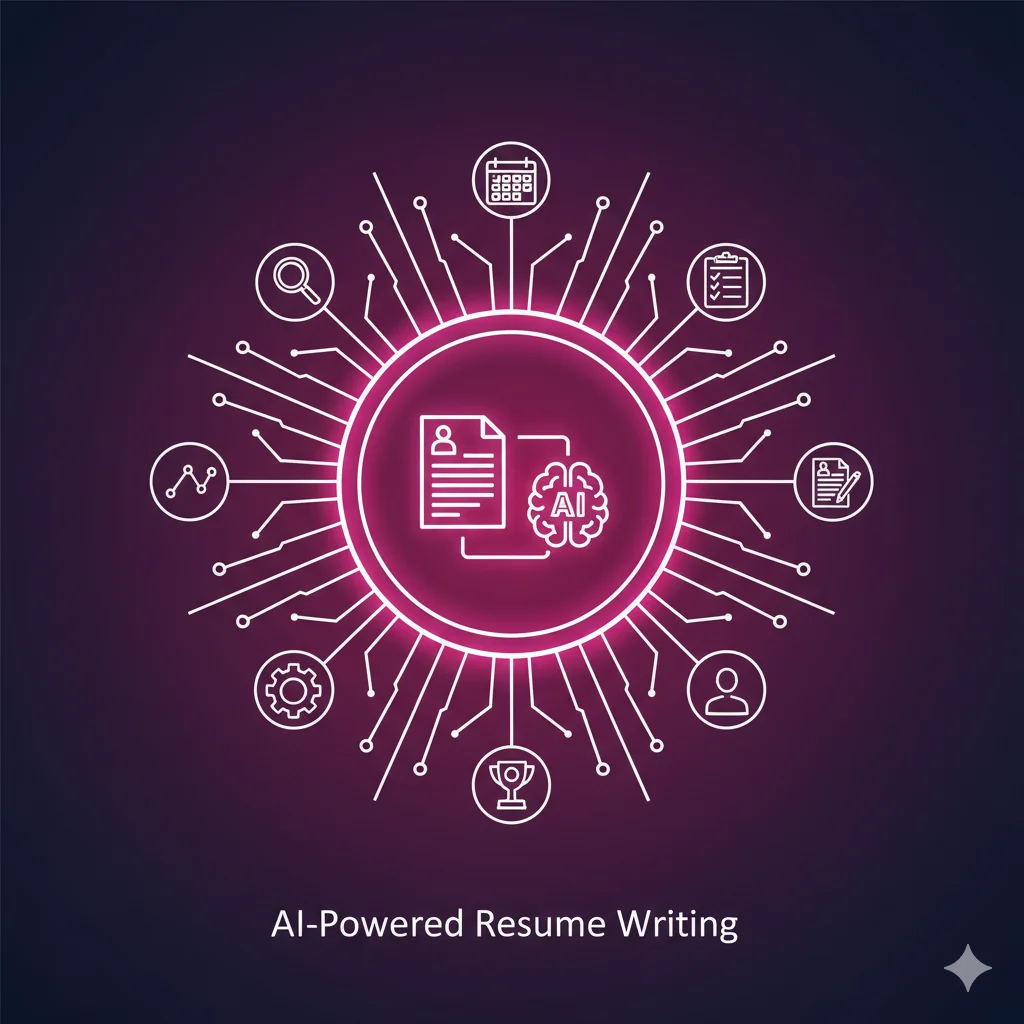
Learn to use AI to create, optimize, and tailor resumes that get noticed. Master prompts for bullet points, job description matching, ATS optimization, cover letters, and LinkedIn profiles.